Product facts stay correct
Approved prices, logos, text and calls to action are placed exactly on the design. AI never rewrites them.
Eragear Media Copilot
Desktop app for Windows
Windows x64
One studio on your own machine. Turn products into ad images, banners and videos — with prices, logos and approved copy kept exact.
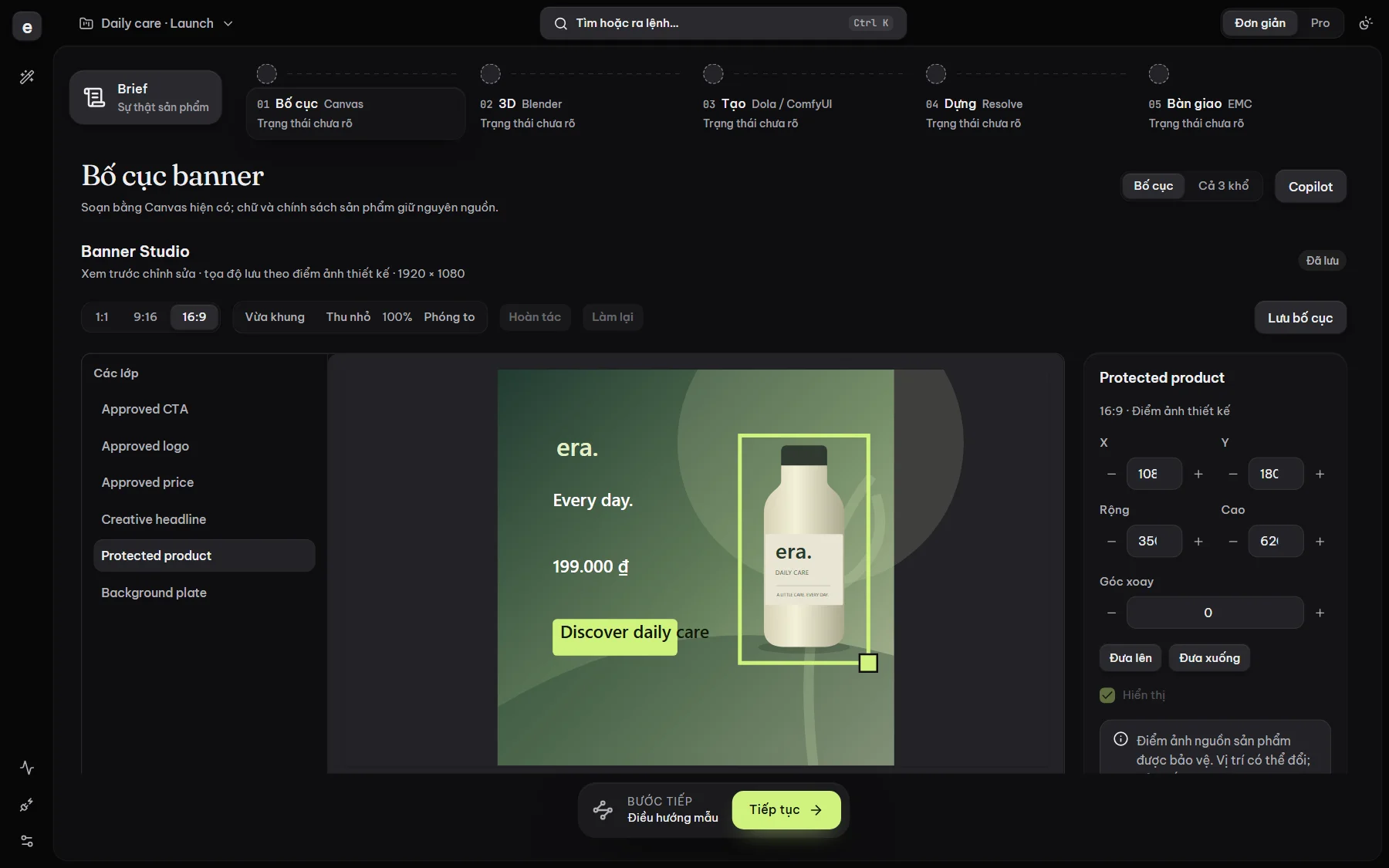
Brief / Generate / Compose / Review and deliver
01 — Workflow
01 — Brief
Bring in product photos, logos and approved copy. Product facts are kept apart from creative ideas.
02 — Generate
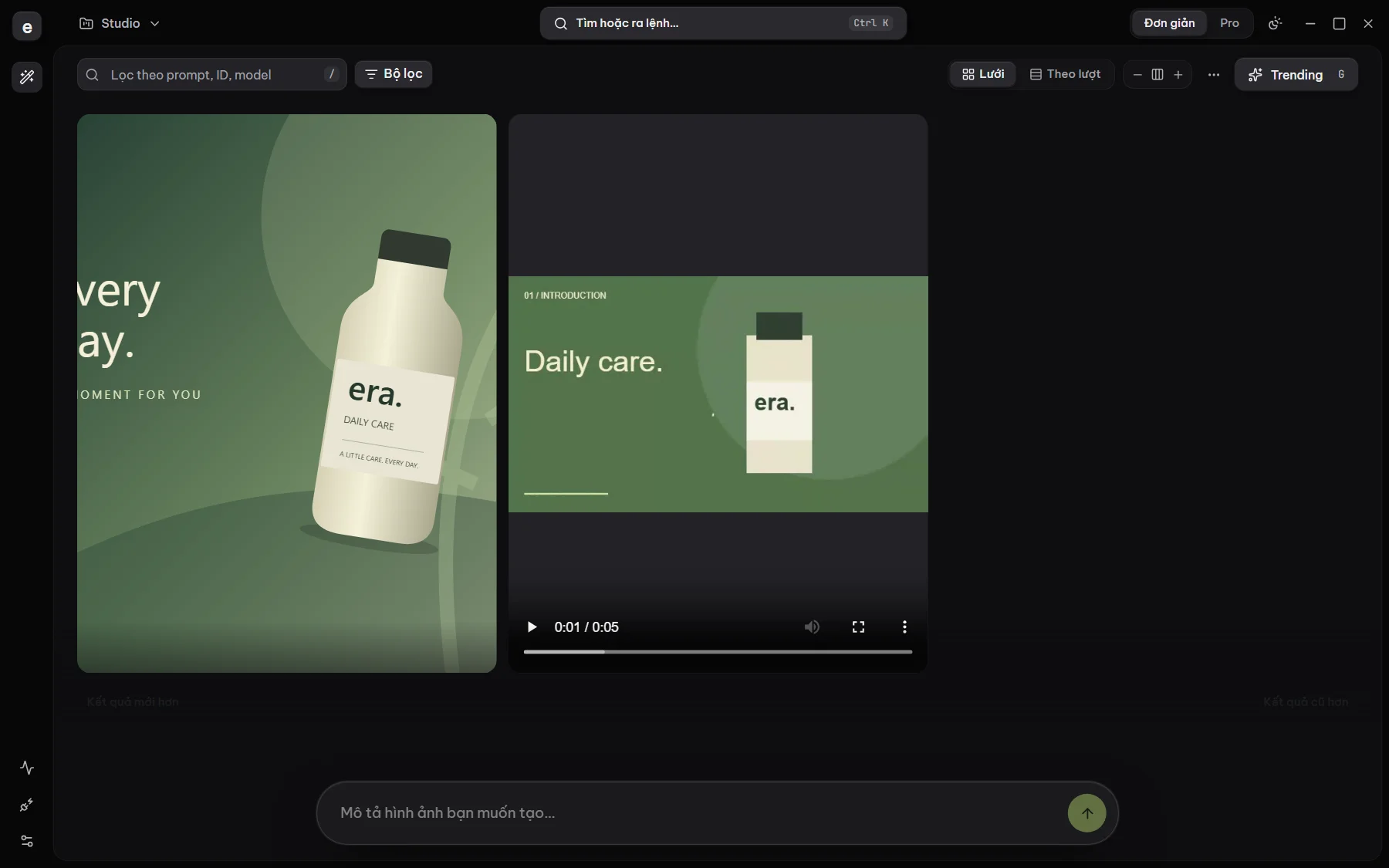
Create images, video and voice-over with the providers you have connected. Every generation is recorded.
03 — Compose
Lay out on the Canvas, adjust 3D in Blender, arrange shots and finish in DaVinci Resolve.
04 — Review and deliver
Approve each revision, then export the final files. Every result traces back to the exact inputs that made it.
Original
02 — Features
Approved prices, logos, text and calls to action are placed exactly on the design. AI never rewrites them.
Originals are never overwritten. AI results are candidates awaiting review, and approval binds to an exact revision.
Projects, media and provider accounts are stored on your Windows PC, not synced to an EMC cloud.
Generate images and video with your own Dola and Google Flow accounts, right inside EMC, without juggling tabs.
Break a script into shots, add voice-over and subtitles, then hand off to DaVinci Resolve for finishing.
Blender for 3D, ComfyUI for advanced workflows, DaVinci Resolve for finishing. EMC coordinates them; it does not replace them.
Third-party software and services are installed and subscribed to separately; EMC does not bundle or redistribute them. Names and trademarks belong to their respective owners.
03 — Buy a license
100,000 VND/month (promotional price), QR bank transfer via SePay: buy 30 days, renew manually. International: USD 5/month by card via Polar, automatically renewed monthly. No trials.